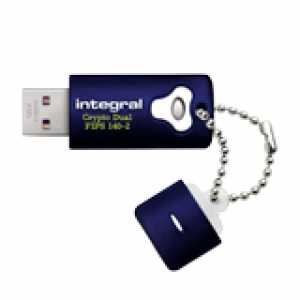
To format your USB Flash Drive on a Mac:
If you use your USB Flash Drive only on a Mac you will want to reformat it to HFS+ (Mac OS Extended (Journal)) which allows larger file sizes.
In your Applications folder there is a folder called “Utilities“. Here you will find an App called “Disk Utility“. Open it
To reformat your USB, select it and then click the Erase Tab
Here you can set the USB name and the file format (Mac OS Extended (Journal)).
When you’re ready click “Erase” button.
When Erase is completed, you can safely remove your USB Flash Drive
by dragging the “USB Disk” Icon to the “Trash“.